

LinkMotion USB with USB Controller, Driver module, Basic Fonts and all cables
What Can You Do?
- Replaces old controllers and old DOS software.
- No more proprietary hardware and fonts.
- Unlimited fonts and graphic capabilities.
- Your computer keyboard controls the movement of the motors. Controller module has microstepping drivers that will drive those older machines quieter, smoother and faster.
Machines You Can Upgrade (Retrofit)
- Dahlgren's all Wizzards including Wizzard 2000, ST, and STR models
- Dahlgren System I, II and System 100-500
- Meistergram, Champion and H-Square
- Newing Hall 100...600 with TLC controllers
- New Hermes (Gravograph) 810, 1219, 3000, 3400
- New Hermes (Gravograph) all Vanguards models
- Vision
- Xenetech...
Very Simple Process
- Select our controller with USB interface for the best performance.
- Use laptop or desktop PC with USB 2.0 port.
- Simply 'Print' your job from one of the popular application programs and watch the machine come alive.
- The process of sending the jobs is similar to some of the laser engraving machines.
Standard Features
- Compatible with Windows 8 & 7 32/64, XP or 2000
- On-Line Help
- True Type Font Compatibility
- Single Line as well as 2 and 3 line Fonts (Basic FontPak)
- Auto Kerning
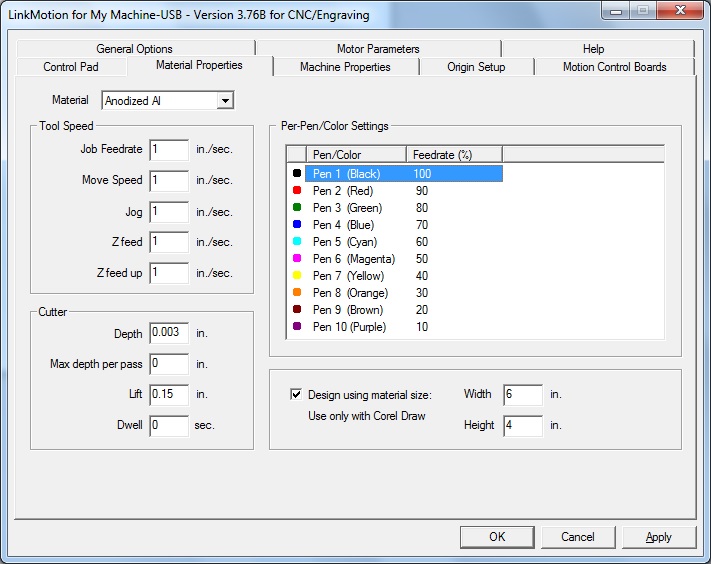
- Easy set up for your machine including feedrate, Z speed, height and depth, speed control by color, resolution of each axis, acceleration, and home switches
- Multiple Passes to achieve desired depth
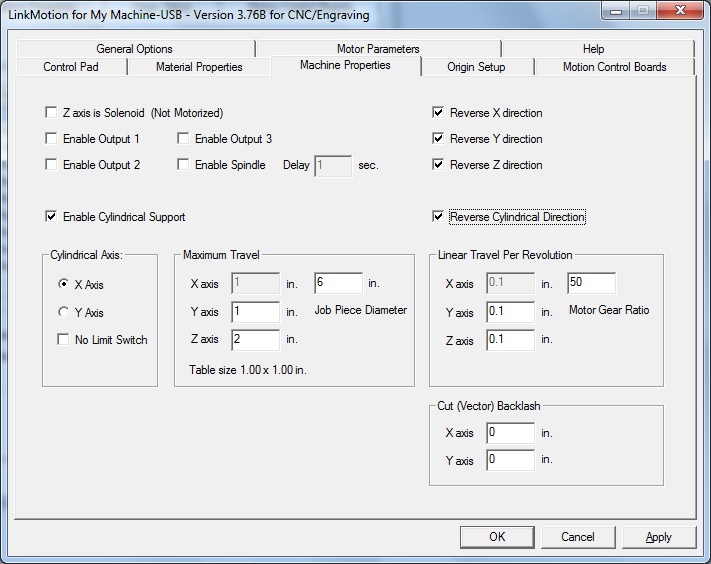
- Cylindrical Output Controls
- Programmable Spindle Motor Delay
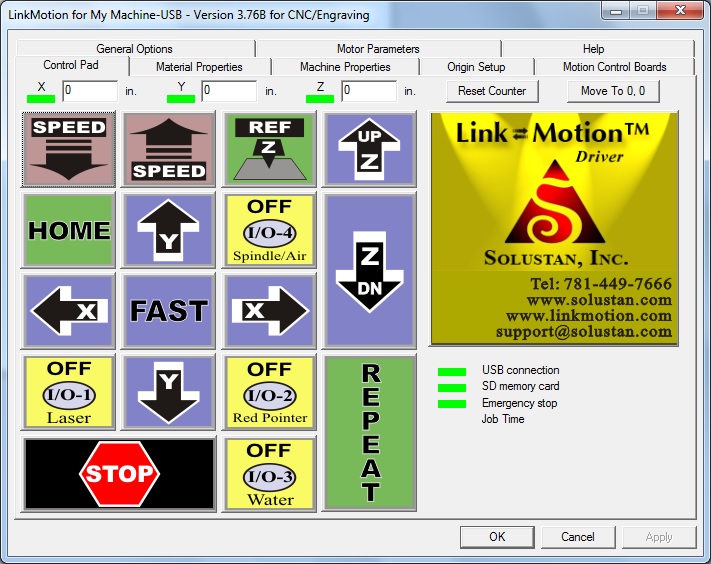
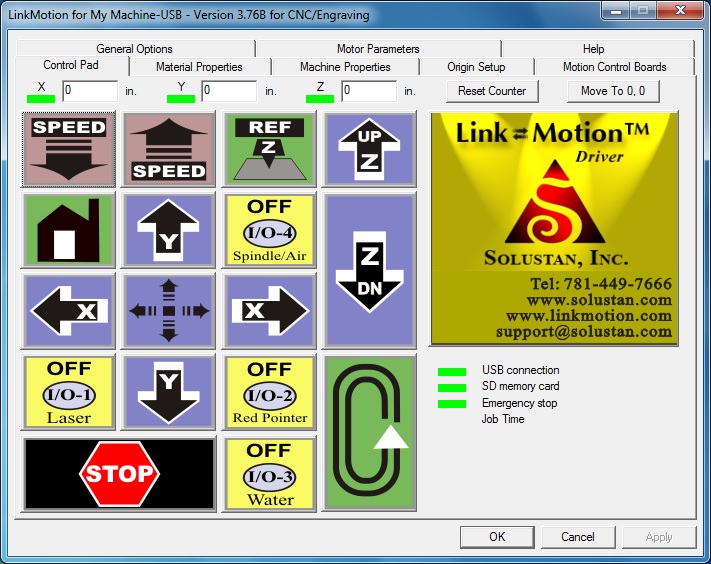
- Built-In Control Pad with a feed back counter
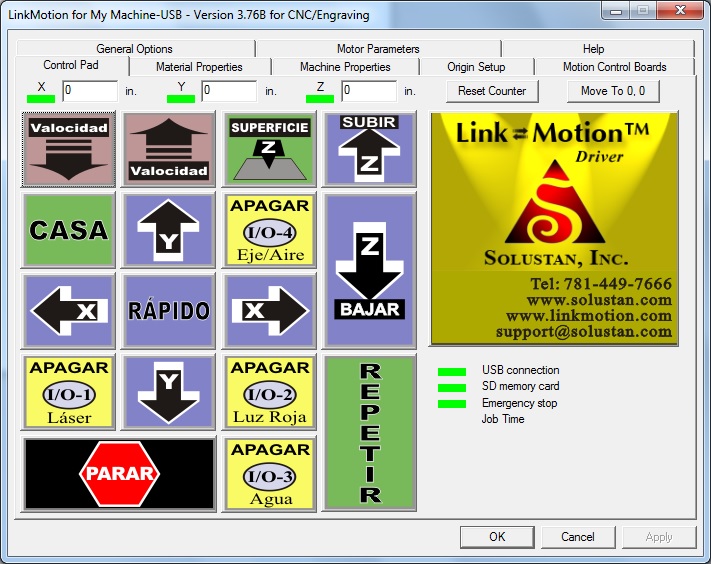
- Control Pad available in English, Spanish, and International symbols
- Six Starting Positions
- Motorized Z Axis Control
- Air Controlled Z Axis Control
- Limit Switch Handling
- Step Motor Controls with Micro stepping
- Direct Motion Output Controls
- Micro stepping driver modules
- USB 2.0 high speed compatibility
- Inexpensive SD memory cards as job buffers
- PC available for designing next job while engraving in progress
Optional Features
- Additional Multiline Engraving Fonts (Optional FontPak)
- Braille fonts
- Spindle speed control unit
Availability of Solustan’s Job design application
- MaxMotion design application is available “As is” free of charge when engraving machine upgrade kit is purchased
- MaxMotion works under Windows 2000 and XP
- Training and Support available optionally

Download our detailed user document (in PDF format):
